 Studio Mo
Never lose the cursor.
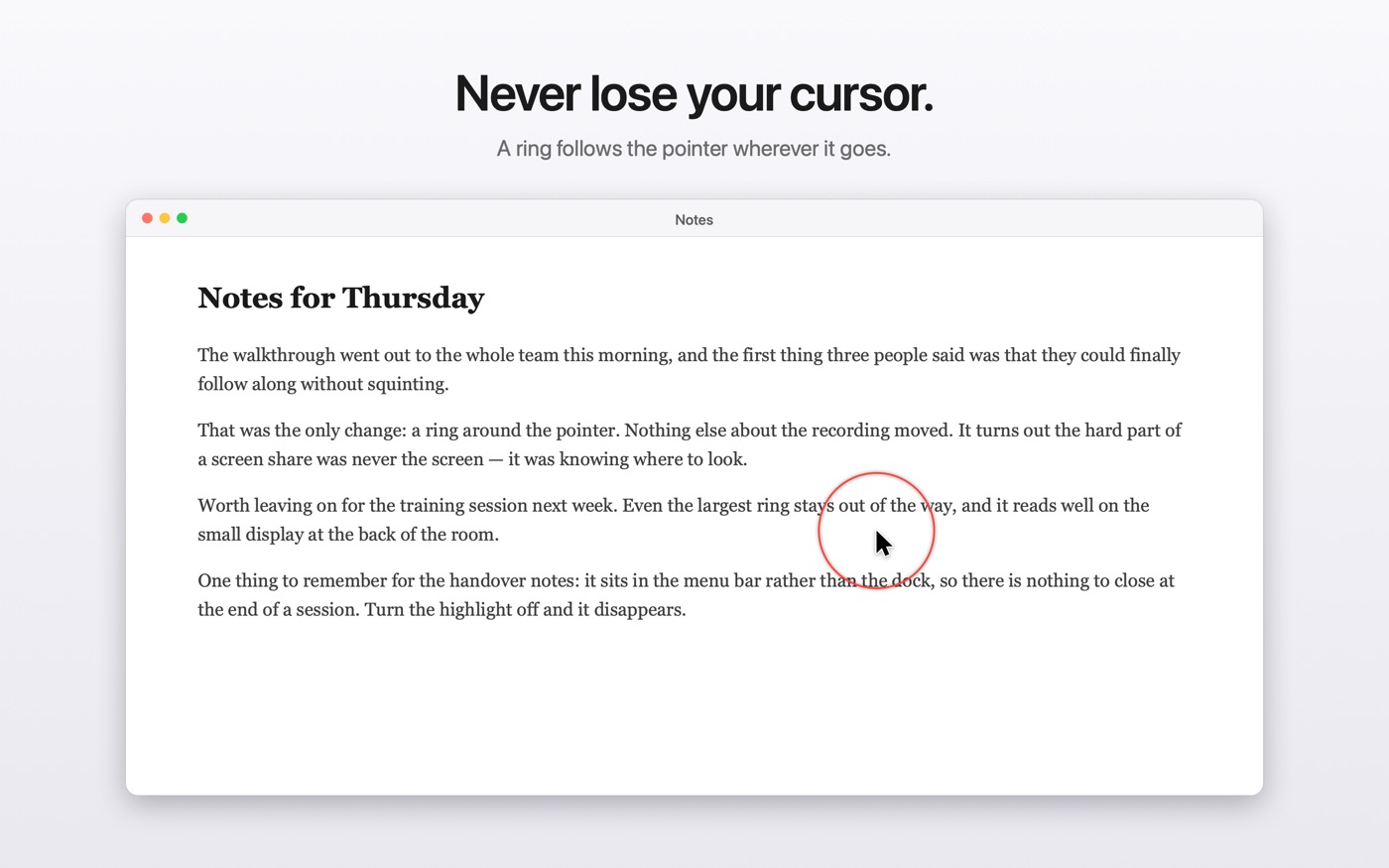
Ringlight draws a ring around your mouse pointer and a flash wherever you click, so anyone watching your screen can follow exactly what you're doing.
$1.99 · macOS 11 or later · Apple silicon and Intel
Why it exists
When you share your screen, the person on the other end is watching a shrunken, compressed video of your display. The cursor — a few pixels of grey arrow — is the first thing to get lost. People spend the call asking where you are.
Ringlight fixes that without changing anything about how you work. It sits in the menu bar, draws over everything, and never intercepts a click.
What it does
- Follows your cursor everywhere Across every display, every Space, and over full-screen apps.
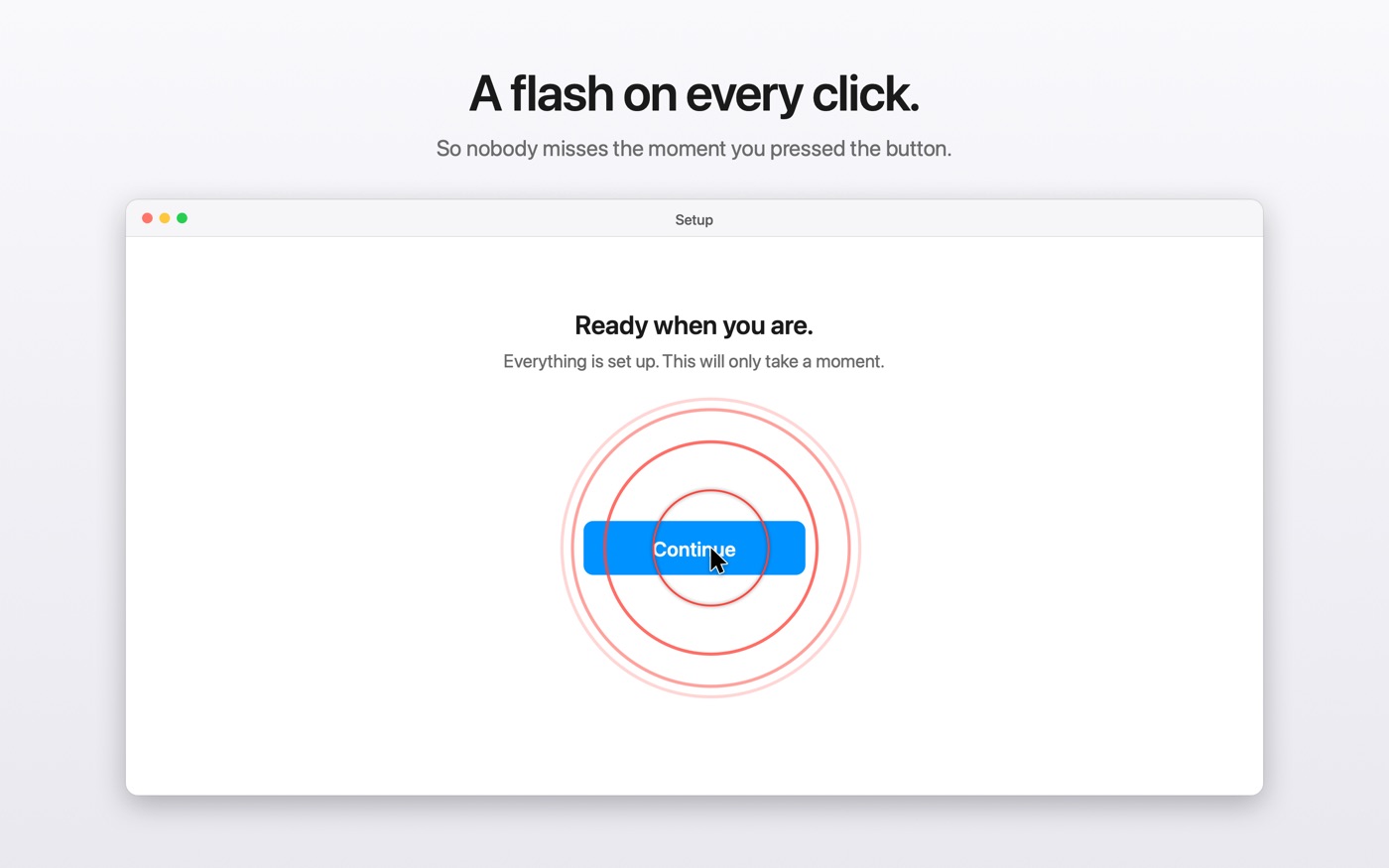
- Marks every click A ring pulses outward where you click, so viewers see not just where you are but when you acted.
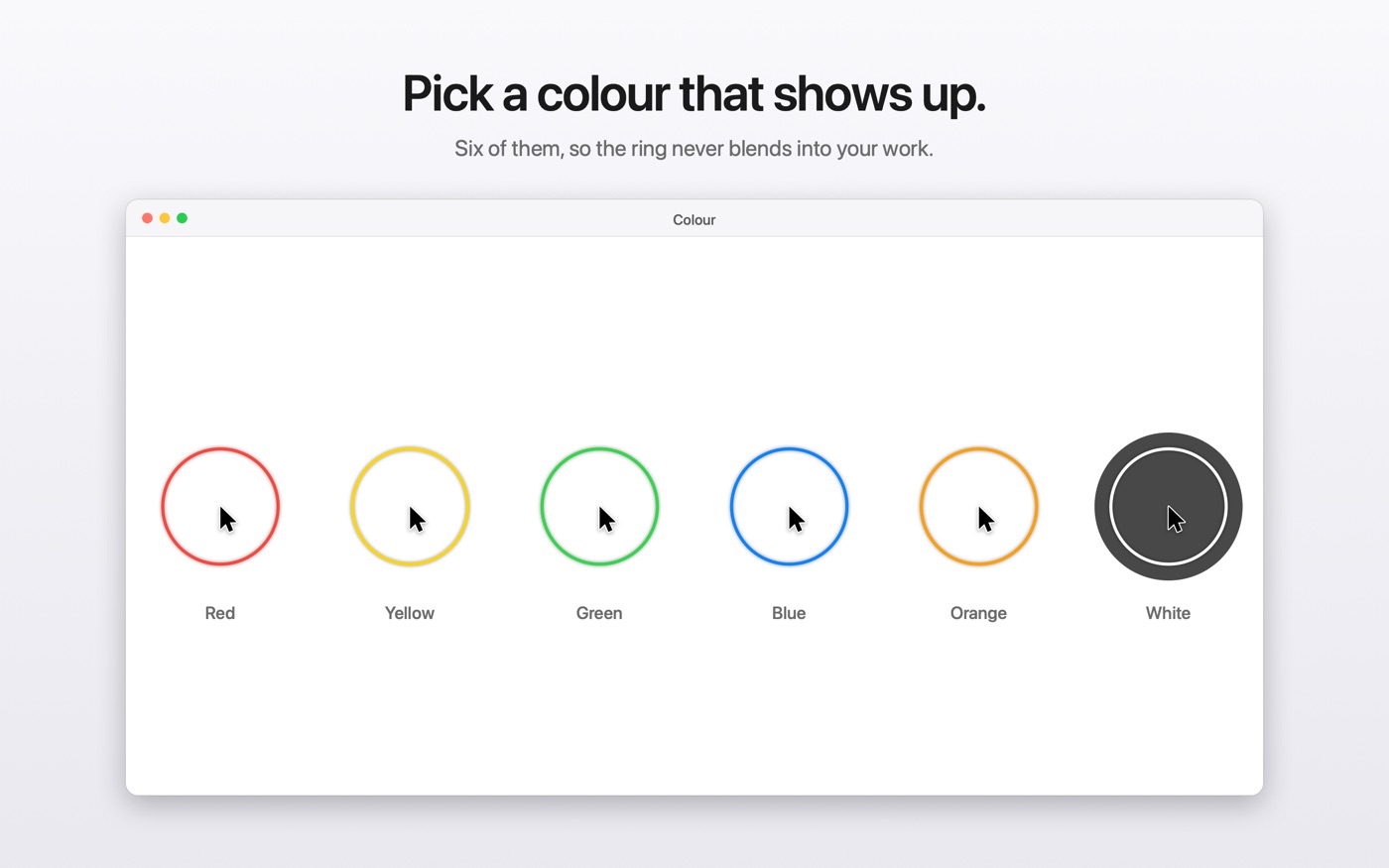
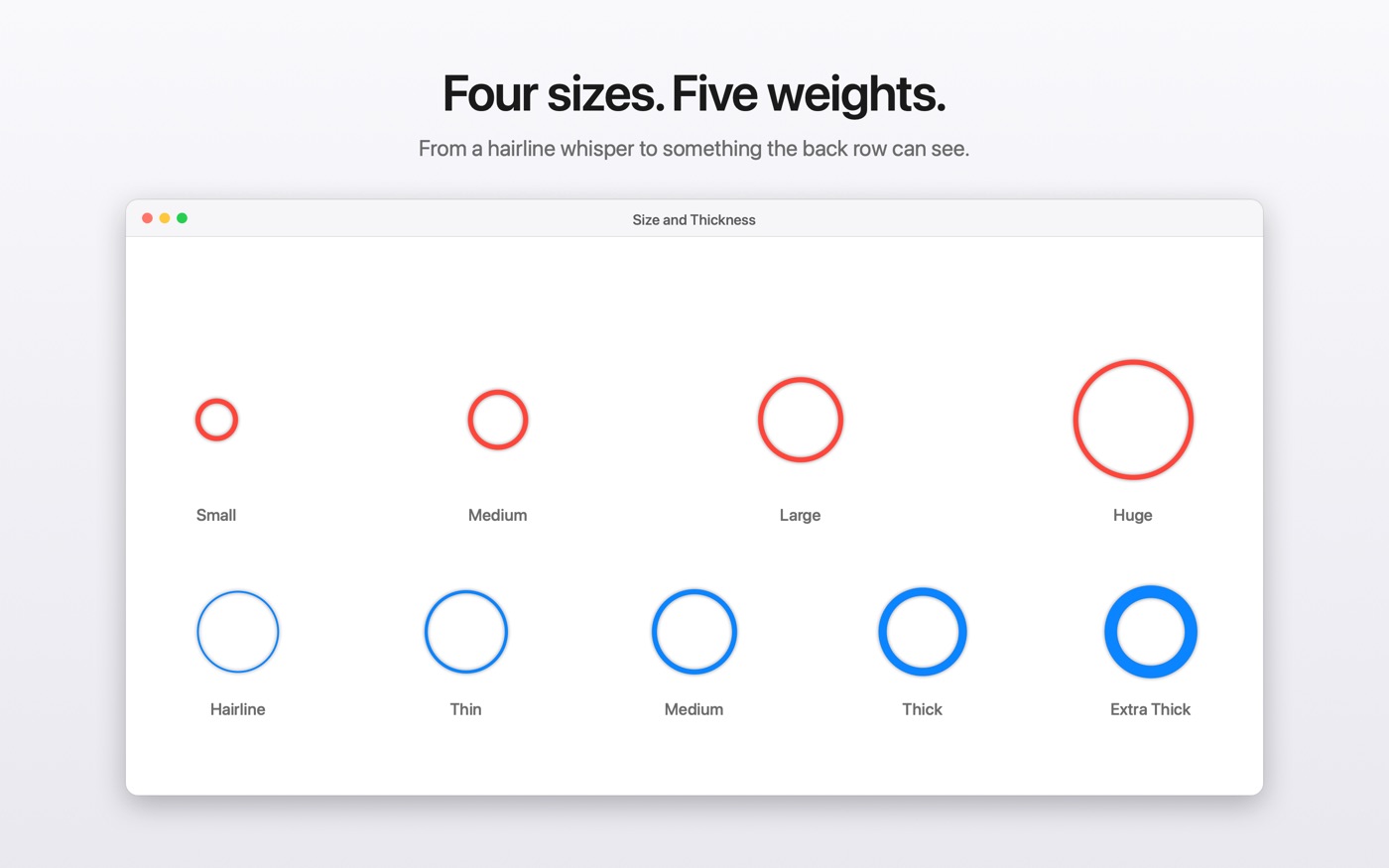
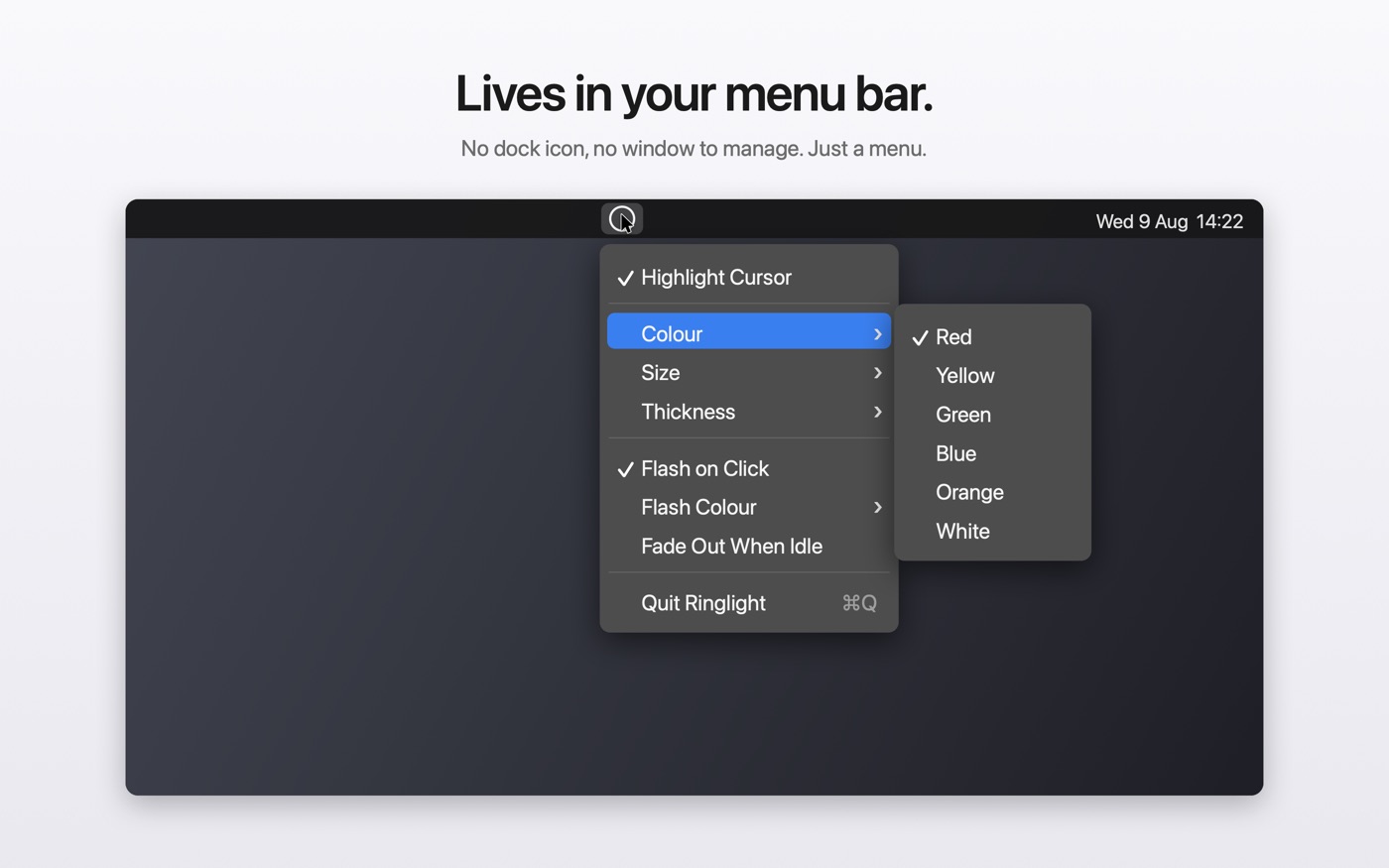
- Yours to tune Six colours, four sizes, five thicknesses set independently of size, and a separate flash colour.
- Fades when idle Optionally hides itself when the mouse stops, so a parked cursor doesn't sit under a ring for a whole recording.
- Completely click-through It can never intercept a click or steal focus. You forget it's running.
- Stays out of the way No background services, no helpers. It idles at a fraction of a percent of CPU and slows its own refresh rate when your mouse is still.
See it
Permissions: none
Ringlight needs no Accessibility access, no Screen Recording access, and no account. It reads only where the cursor is and whether a button is down, through public APIs that require nothing to be granted.
It has no network code at all, so there is nothing for it to send anywhere. See the privacy policy.
Get it
Ringlight is $1.99 on the Mac App Store — a one-off purchase, with no subscription and nothing to unlock later.
A one-off $1.99. Buying on the App Store means Apple handles payment, updates and refunds.